

Before exploring Outlook integration to send emails, read the overview of sending emails from your domain. Email delivery is set per form, so the Outlook account you connect is used only by this form.
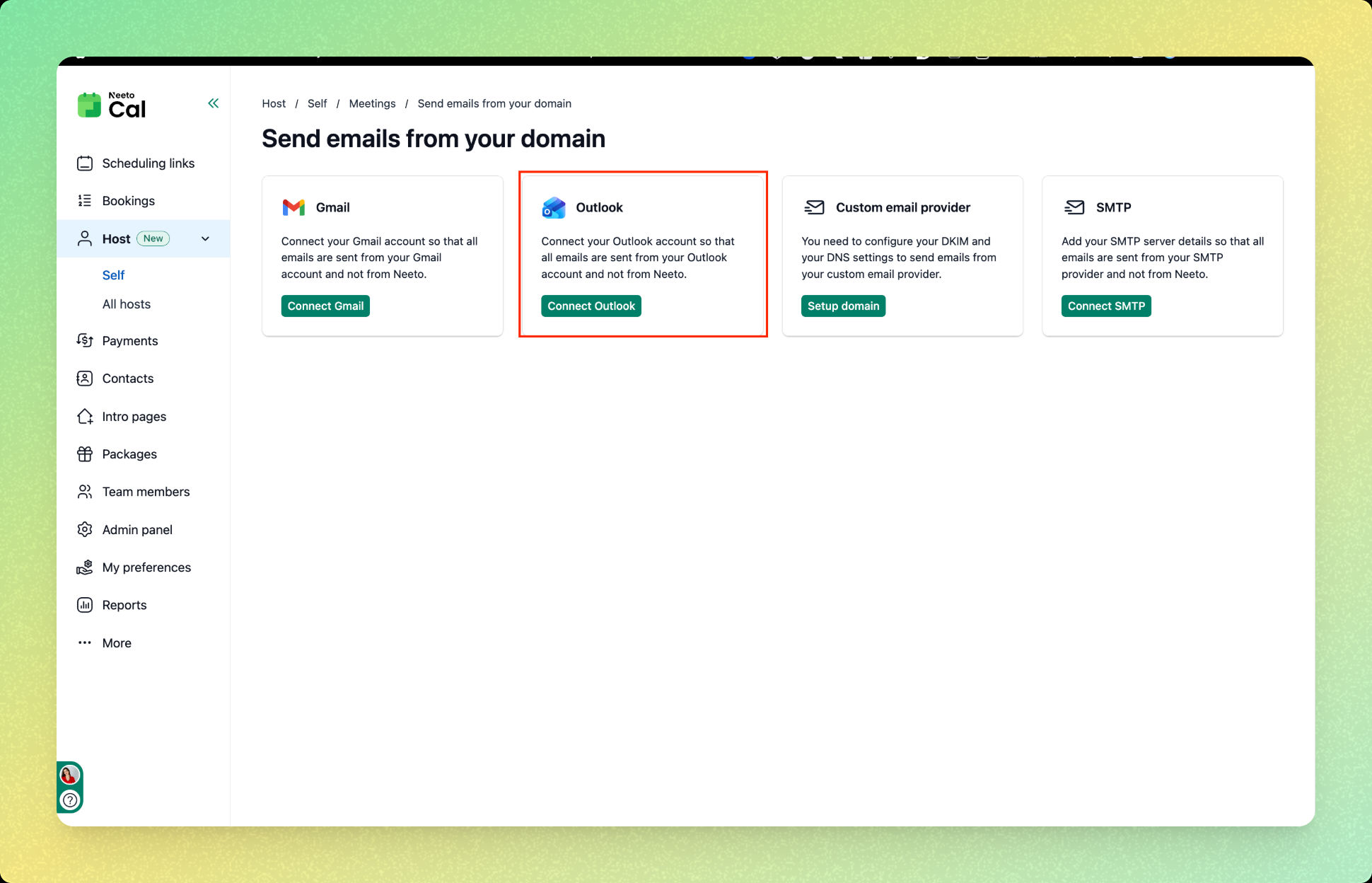
Open the form you want to send emails for, go to Settings, and under General settings click on Send emails from your domain.
Click on Outlook.
Click on Connect Outlook.
Choose an account for Outlook integration.
Click on Continue.
Once connected, you will see the message "You are connected to Outlook" and all future emails will be sent from your connected Outlook account.